Commercial·Updated Oct 22, 2026·6 minute read
Self-Storage Gate Upgrades: Access Control & Installation Planning
Replacing a storage gate and changing tenant access software are connected decisions, but they are not the same job. Define the mechanical work, verify the software interfaces, and plan the changeover before interrupting a working facility.
By Method Doors & Gates · Van Nuys, CA · CSLB #873646
Define the problem before replacing the system
Start with what staff and tenants report. Does the gate fail mechanically? Do valid credentials stop working? Is the office manually changing access after move-ins? Are visitors queuing at an awkward reader position? Record the symptom, time and affected entrance without publishing access codes or tenant information.
Those problems can lead to different scopes. A damaged entrance may need commercial gate repair, while a sound gate with difficult credential administration may need an access-control review. A complete entrance replacement should address both, but replacing every component without an inventory can create unnecessary migration work.
| Scope | Identify before requesting a proposal |
|---|---|
| Physical entrance | Gate, supports, operator, safety devices, vehicle detection, pedestrian access, power and pavement condition. |
| Access control | Controller, readers or keypads, credential format, communications, entry rules and administrator accounts. |
| Tenant-data connection | Property-management software, integration method, supported actions, update timing and responsible vendor. |
Build an equipment and account inventory
List every controlled opening, not just the main vehicle gate. A facility may also have building entrances, staff doors and separate zones. For each, record what controls it, who uses it, whether it is in the proposed scope and who maintains it. Photograph accessible labels without opening electrical enclosures.
- Gate and operator model information, condition, service history and known failures.
- Controller and reader models, software product and version, and existing service-provider contacts.
- Property-management system, current integration arrangement and tenant-data owner.
- Internet or cellular dependencies, power sources and any existing backup arrangement.
- Administrator ownership, permissions, subscription renewal dates and available export options.
- Operating hours, busiest periods, required access groups and the staff responsible for exceptions.
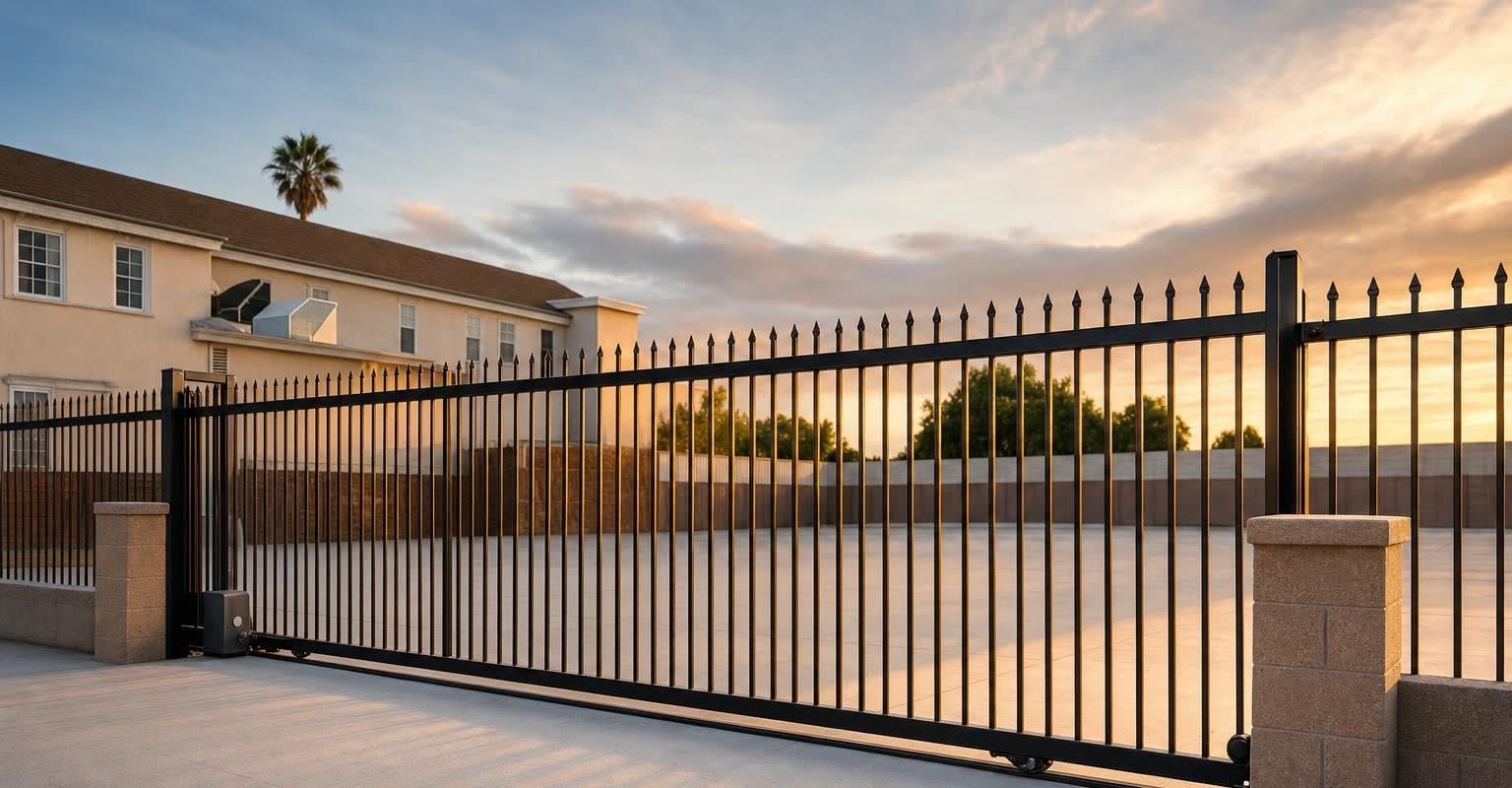
Measure where each keypad, card reader and call box stands. UL 325’s installation instructions put controls that users operate at least six feet away from any moving part of the gate, positioned so that nobody can work them by reaching over, under, around or through the gate. DASMA adds that site conditions can call for more than six feet. Emergency controls that only authorized personnel such as the fire department can reach are the exception and may sit anywhere in sight of the gate. A replacement gate that travels farther or swings on a new arc changes those distances, so check every pedestal against the new layout before reusing it.
Verify integration beyond the word ‘compatible’
A vendor naming your property-management system does not establish that every desired action works with your current configuration. PTI publishes a PMS integration matrix that distinguishes connection methods. OpenTech describes a platform with software and device integrations. Use current vendor documentation to begin the discussion, then obtain written confirmation for the actual products, versions and functions proposed.
Ask who supports the connection when a change in one system does not appear in the other. Identify any required license, connector, additional hardware or vendor service. A functioning electrical trigger at the gate is not evidence that tenant status and permissions are synchronizing correctly.
| Question | Evidence to request |
|---|---|
| Which products connect? | Exact PMS, access platform, controller and supported versions. |
| What information changes? | A defined list of supported events and fields, with the system that owns each record. |
| When do updates arrive? | Expected update behavior and the process for investigating failed or delayed synchronization. |
| What happens offline? | Documented behavior for an internet failure, a controller failure and a power outage separately. |
| Who pays and administers? | Setup costs, recurring fees, account owner, permissions and support responsibilities. |
| How can we change vendors later? | Export capabilities, contractual restrictions and the handover process. |
Method’s self-storage project page is the starting point for discussing the physical entrance and coordinated project scope. Confirm the proposed brands, integrations and responsibility split with Method and the software providers; this guide is not a claim that Method supports every platform listed by those manufacturers.
Plan the changeover at an operating facility
Choose a work window with the manager, installation team and software provider. State what must be ready first: equipment, power and communications, required approvals, an approved tenant-data transfer and staff availability. Identify who decides whether the site is ready to switch, and what conditions require postponing the changeover.
- 1Document the existing configuration and arrange an authorized backup or export where supported. Transfer sensitive data through the agreed secure channel.
- 2Prepare a tenant notice explaining the affected entrance, planned window and contact for access problems. Do not include shared administrator credentials.
- 3Agree on temporary access and staffing with the responsible site team. Maintain required emergency and pedestrian access; do not improvise by disabling protective devices.
- 4Define the return-to-service criteria and an alternative plan if the new configuration cannot be accepted. A return to the old system may not be technically possible after removal, so confirm the actual contingency.
- 5Schedule authorized staff to witness testing and handle tenant questions after the work. Keep the relevant vendors reachable during the agreed window.
Use an acceptance test matrix
Use authorized test accounts and agreed scenarios rather than experimenting with live tenant access. Have the installation and software teams demonstrate the functions in their scope. Record the expected result, observed result, responsible party and resolution for each exception.
| Scenario | What the site team verifies |
|---|---|
| New authorized tenant | The intended credential reaches the correct access group and works at the agreed entrances. |
| Changed permission | An approved permission change is reflected in the access system as specified. |
| Different access hours | The test account follows the configured schedule and staff understand the exception process. |
| Vehicle departure | The specified exit arrangement works independently of assumptions about entry credentials. |
| Connectivity interruption | The documented operating behavior and recovery procedure are demonstrated by the responsible vendor. |
| Records and administration | Authorized staff can find relevant events, manage access and reach support. |
Functional software tests do not replace mechanical and safety commissioning. DASMA’s gate-system checklist provides inspection topics for the trained gate professional. Keep those results alongside the software acceptance record and any required site approvals.
Budget for handover and ongoing operation
Ask the proposal to separate fabrication, installation, electrical work, hardware, integration setup and subscriptions. Include any temporary operating arrangements and staff training. Use the commercial proposal comparison guide to assign each item to the gate contractor, software provider, owner or another trade.
At completion, retain manuals, equipment details, configuration records, acceptance results and support contacts. Give the owner control of the appropriate administrator accounts. Decide who reviews access problems and who updates permissions as staffing changes. Gate service intervals come from the installed equipment’s instructions, not the software subscription renewal date.
Questions we hear
- Will a new gate require new tenant access software?
- Not necessarily. The physical gate, operator, controller and tenant software are separate parts of the system. Have the proposed interfaces and retained equipment checked before deciding what must be replaced.
- Will our tenants keep their existing access codes?
- That depends on the old and new systems, supported export and import functions, credential formats and the approved migration plan. Obtain confirmation and test it before promising tenants that nothing will change.
- Can a storage gate keep working if the internet goes down?
- Behavior depends on the controller, stored permissions and system configuration. Ask the vendor to document offline operation and recovery for the exact setup. Internet loss and loss of electrical power are separate scenarios.
- Does a software integration automatically prevent unauthorized entry?
- No system should be treated as a guarantee. Credential rules, physical layout, operating procedures and staff response all matter. Define the access problem and the expected system behavior rather than relying on a general security claim.
Sources
- PTI Security Systems: PMS integrations, for the current manufacturer integration matrix.
- OpenTech Alliance: IoE smart-storage platform, for an example of connected storage systems. These references do not establish Method reseller status or compatibility with an individual facility.
- DASMA TDS 371: gate-system checklist, for inspection topics to discuss with a trained technician.
- DASMA TDS 360: placement of gate operator controls and TDS 356: UL 325 and gate installations FAQ, for UL 325’s six-foot control-placement instruction and its reach-through wording, the note that site conditions may require more distance, and the emergency-control exception. Read October 22, 2026.
- References reviewed October 17, 2026. The changeover and acceptance worksheets are planning tools; confirm product capabilities with the responsible vendors.